
Where class revenue leaks
Most clubs do not have a demand problem, they have a plumbing problem. The 18:30 spin class has a waiting list while the 17:30 runs half empty. Someone books and does not show, and the spot dies with them. A member calls to cancel, the desk is busy, the change never lands. None of this is anyone's fault: it is what happens when the schedule lives in a tool that is not connected to anything.
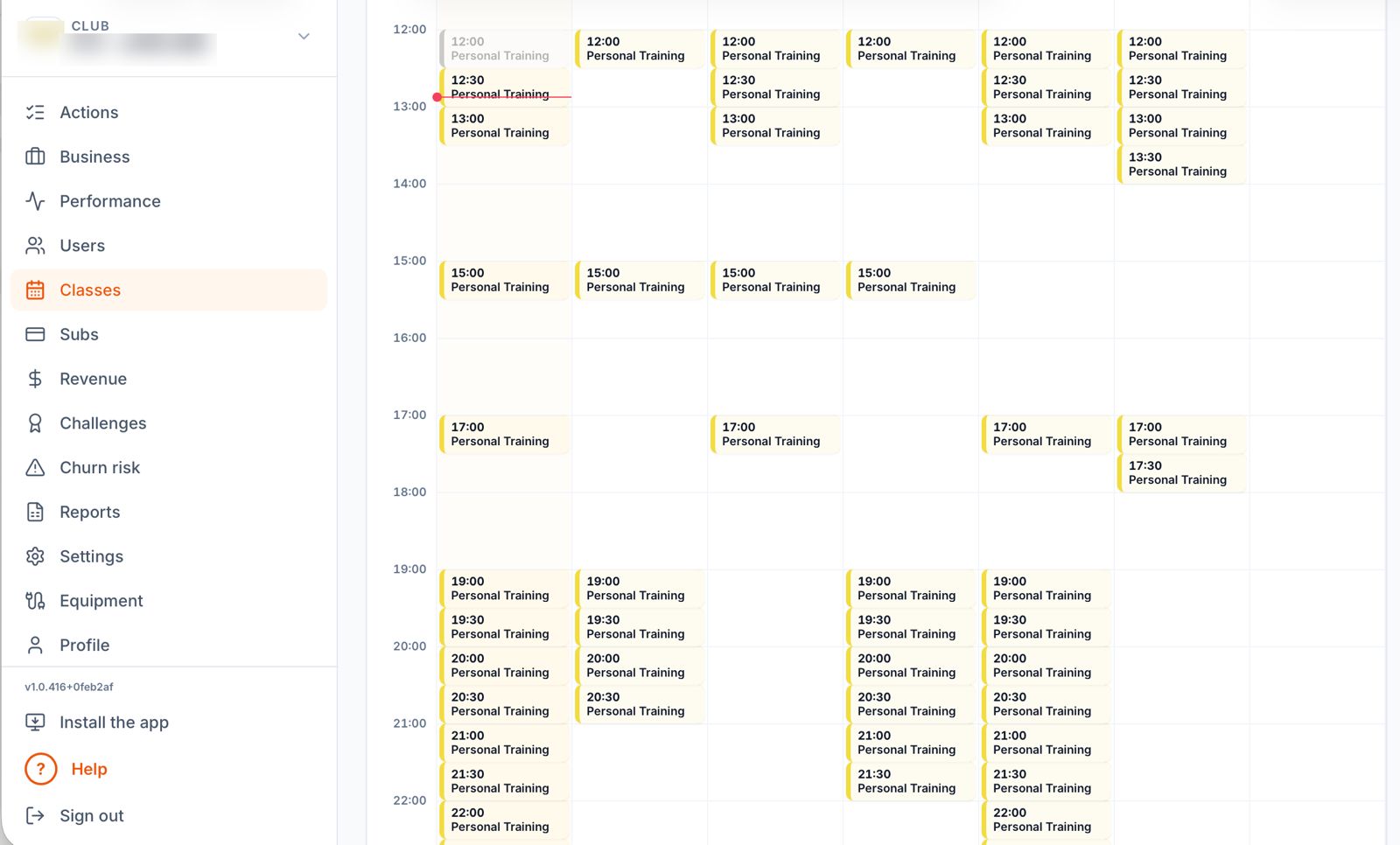
What Uptivo scheduling does
Classes with real capacity. Caps per class and per room, visible occupancy, and recurring schedules you build once.
Waitlists that do the chasing. When someone cancels, the waitlist fills the spot automatically. Nobody at the desk has to make a call.
Booking rules that match your plans. Members book what their membership or class pack allows, because the schedule and the member management system are the same platform.
An app members actually use. Booking, cancelling and rebooking from the phone, with the member's training history in the same place.
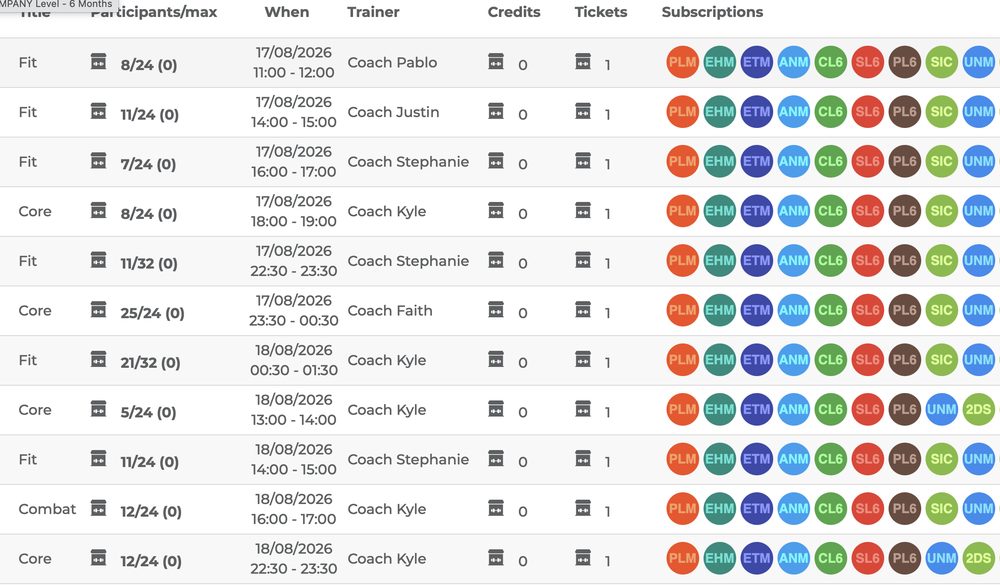
Connected to the rest of the club, not bolted on
Scheduling gets interesting when it stops being an island. A booking checks the membership, the membership drives access at the door, and the class itself can run with live heart rate zones on the screen, which is what makes people rebook next week. Attendance flows back into each member profile, so you can see who is coming often, who is fading, and who deserves a nudge before the renewal date. That loop between showing up and staying is the whole argument of effort-based retention.
For the coordinator, not just the member
Instructors see their roster before walking into the room, including who is new. Coordinators change a slot once and every member affected is informed through the app. And because bookings, no-shows and occupancy are measured, you can finally answer the planning questions with data: which slots to duplicate, which formats to retire, which instructor fills a room.
Questions operators ask
Can members book without paying first?
You decide. Booking can be open, tied to an active membership, or tied to a class pack with credits. The rule follows the plan, not the other way round.
How do you handle chronic no-shows?
No-shows are recorded per member, and you can set booking rules that discourage the habit, from cancellation windows to pack credits that burn on a missed class. Policies stay yours: the software just enforces them consistently.
Does it work for open floor slots, not just classes?
Yes. Capacity-limited slots work for the open floor, small group sessions and one-to-one bookings alike.
Can we migrate our current schedule?
Yes. Recurring schedules are rebuilt once at setup, and our team helps you carry members and memberships across. The cleanest switch happens at the start of a billing cycle.