ANT+ AND BLUETOOTH · MESH NETWORKING · DUAL HDMI · 50 ATHLETES PER SCREEN · FANLESS, ALWAYS ON
THE MULTI-SCREEN GAMIFIED FLOOR
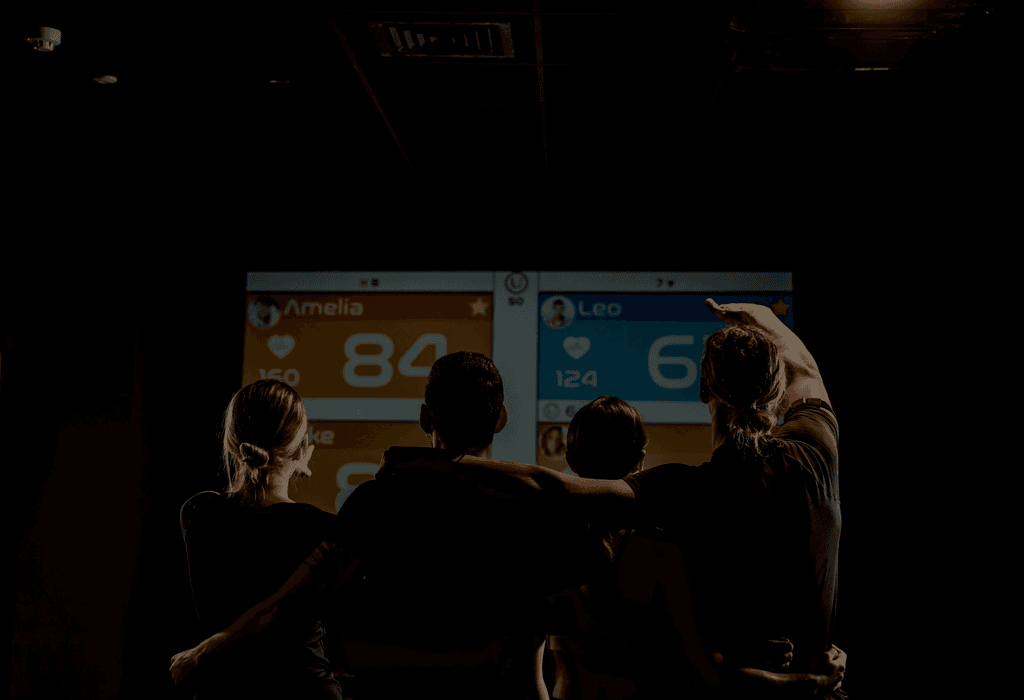
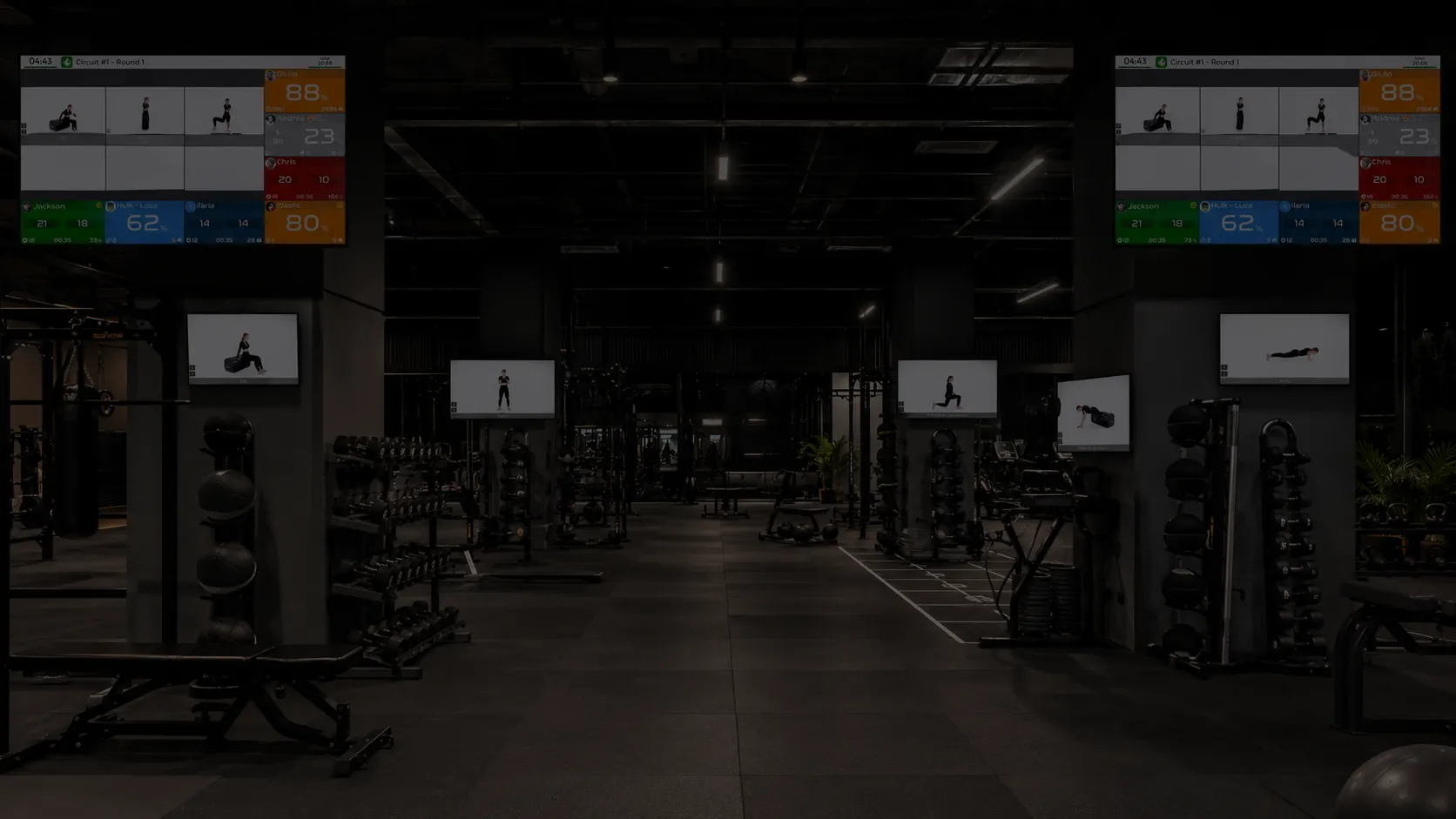
Large rooms running live gamification across several synchronized screens need every sensor received reliably, everywhere, all the time. That is radio work, and radio work is what the Bridge is built for.
THE STRAP-BASED STUDIO
Clubs running ANT+ chest straps, including the ones inherited from a previous system, connect them through the Bridge’s receivers. Standard protocols in, one platform out.
THE CONNECTED EQUIPMENT FLOOR
Compatible bikes, rowers and other machines stream cadence, power and speed alongside heart rate, so the screen shows the whole effort, not just the pulse.
Running smartwatch-only classes in one studio? You do not need a Bridge there. That is the point of a hybrid architecture: hardware where it earns its place, nowhere else.
EVERY SIGNAL ON THE FLOOR, ONE PLATFORM BEHIND IT.
01 · IT LISTENS TO EVERYTHING
ANT+ wearables, Bluetooth Low Energy wearables and compatible fitness equipment, with up to four external long-range ANT+ receivers per Bridge for extended coverage across the room.
02 · IT DRIVES YOUR SCREENS DIRECTLY
Two independent HDMI outputs, up to 4K: one renders the live heart rate display with up to 50 athletes per page, the other runs workout content with exercise videos and timers. Both at the same time, from one small box.
03 · IT MESHES ACROSS THE FACILITY
Multiple Bridges form a local mesh over Ethernet or Wi-Fi. As members move through the facility, their wearables hand over automatically to the nearest Bridge: no dropouts between rooms, no reconnection dance.
04 · IT BECOMES A STATION WHEN YOU NEED ONE
In a station-based circuit, each Bridge can run as an individual station with its own videos and its own clock, synchronized with the rest of the class.
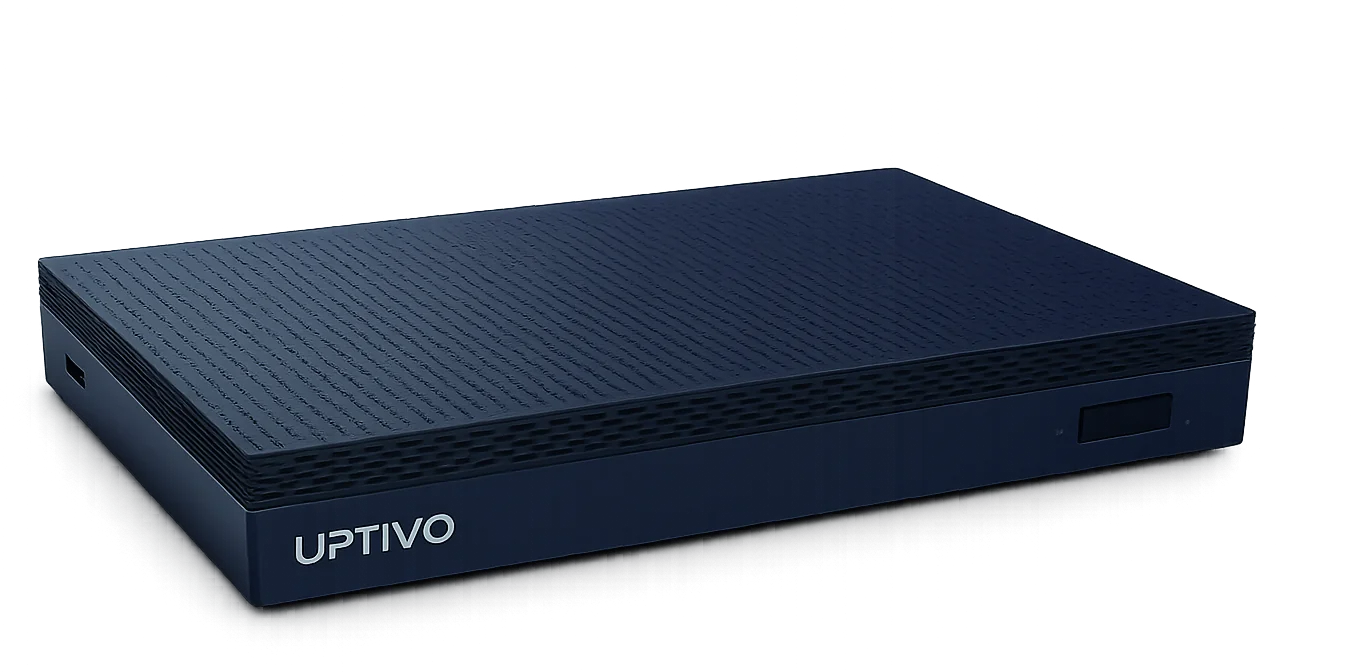
Fanless, compact, designed to run continuously. You install it and forget it exists.

TESTED WHERE FAILURE IS NOT AN OPTION: LIVE, IN FRONT OF A CROWD.
The same Bridge that runs your studio runs live sports events. A four-Bridge mesh with long-range antennas has covered a full 400-meter outdoor track with 200 athletes competing at once, every heartbeat on the venue screens in under half a second. Reception is passive scanning, not pairing: there is no connection limit and no reconnection cycle, and the mesh receives every athlete through multiple antennas at the same time.
If it holds 200 athletes sprinting outdoors, it holds your Saturday morning class.
TECHNICAL SPECIFICATIONS.
| Wireless | ANT+ (up to 4 external long-range receivers), Bluetooth Low Energy |
|---|---|
| Equipment | Compatible fitness equipment: cadence, power, speed |
| Network | Gigabit Ethernet, dual-band Wi-Fi, local mesh between Bridges |
| Video | 2 × HDMI 2.0, up to 3840 × 2160 @ 60 Hz, simultaneous |
| Display | Live heart rate display up to 50 athletes per page; workout display up to 12 exercise videos per Bridge |
| Design | Fanless, 131 × 81 × 18.3 mm, 203 g, continuous operation |
| Operating system | Custom Linux-based embedded OS, built for a single purpose and running around the clock |
| Security and maintenance | Secure by design: no antivirus needed, no manual updates, no manual operation. Updates arrive automatically from the Uptivo Cloud |
| Certifications | CE, FCC |
Do I need a Bridge to use Uptivo?
No. SNAP runs in a browser with members connecting through the Uptivo app, and many clubs never need more than that. The Bridge enters when the room does: multi-screen gamified floors, ANT+ chest straps, connected equipment, or large facilities where coverage has to be guaranteed wall to wall.
Which devices does the Bridge receive?
ANT+ wearables, Bluetooth Low Energy wearables and compatible fitness equipment such as indoor bikes and rowers, which add cadence, power and speed to the heart rate stream. Straps inherited from a previous system connect too, as long as they transmit on standard protocols.
How many screens and athletes can it handle?
Each Bridge drives two HDMI screens at once, up to 4K: one for the live heart rate display with up to 50 athletes per page, one for workout videos and timers. Larger rooms add Bridges, and the mesh keeps everything synchronized.
What happens when members move between rooms?
Nothing they notice. Bridges form a local mesh over Ethernet or Wi-Fi, and wearables hand over automatically to the nearest Bridge as people move through the facility, so data collection continues without dropouts or reconnections.
How is it installed?
It is a compact, fanless box: power, network and HDMI to your screens. Antenna extensions position the receivers where coverage needs them rather than where the box sits. Placement is defined with our team during setup, the same way we plan a migration.